Denim is one of the most recognizable fabrics in the world — defined by its tight weave, distinct blue hue, and visible stitching. Recreating denim procedurally in Adobe Substance 3D Designer gives you total control over color, weave density, and stitch detail, allowing you to produce anything from worn jeans to new denim upholstery.
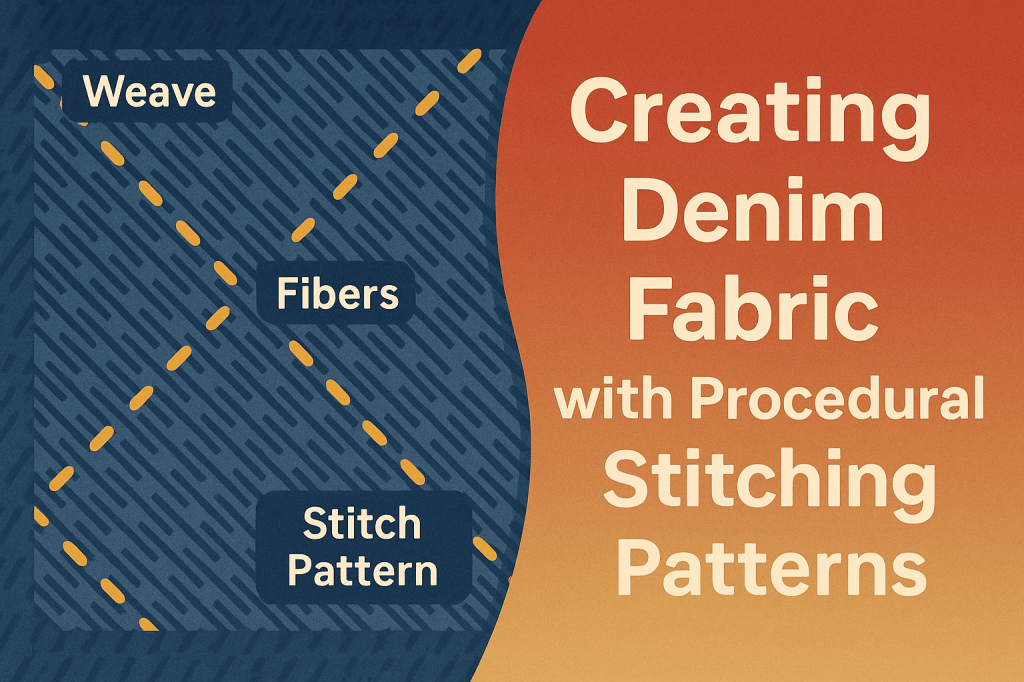
In this tutorial, you’ll learn how to create denim fabric with procedural stitching patterns using nodes. You’ll build a realistic twill weave, add thread variation, simulate stitches, and export a PBR-ready material for Substance 3D Painter or Stager.
👉 Try it yourself with the Adobe Substance 3D Collection free trial — includes Designer, Painter, Stager, Sampler, and Modeler.
🧱 Step 1: Create a New Graph
- Open Substance 3D Designer and create a New Substance Graph (PBR Metallic/Roughness).
- Name it “Denim_Stitch.”
- Set the graph resolution to 2048×2048.
💡 Pro Tip: Denim needs fine thread control and color accuracy — use high resolution and keep your graph organized.
🧩 Step 2: Build the Twill Weave Base
Denim is a twill weave, meaning diagonal lines form from offset threads.
- Add a Tile Generator node.
- Set Pattern Type: Square.
- Increase X Amount: 10–12 and Y Amount: 10–12.
- Add a Transform 2D node and offset the pattern diagonally (about 0.1).
- Duplicate the weave, rotate 90°, and Blend → Min (Darken).
🎯 Workflow Tip: Slight offset + diagonal repetition = denim’s signature weave pattern.
🪡 Step 3: Add Thread Texture
To simulate the fine cotton threads:
- Add a Fibers 1 node.
- Blend with Overlay mode over the weave.
- Adjust opacity between 0.2–0.3.
- Add a Directional Warp using Perlin Noise to create organic irregularity.
💡 Pro Tip: Add a second Fibers layer rotated at 90° for cross-thread realism.
🎨 Step 4: Color the Fabric (Base Color)
- Use a Gradient Map node to colorize the weave.
- Choose two tones: deep indigo blue (Base) and lighter blue (Highlights).
- Blend in Grunge Map 003 or Clouds 2 for subtle dye variation.
- Optional: Use HSL Node to shift hue for different denim washes (light, dark, or vintage).
🎯 Pro Tip: For worn denim, overlay a Curvature-based mask with a brighter color.
🧶 Step 5: Create Procedural Stitching Patterns
Now add realistic seams or embroidery lines.
- Add a Shape Node → Set to Rectangle.
- Plug into a Tile Sampler to distribute stitches.
- Adjust Pattern Amount X/Y to form a seam line.
- Add a Directional Warp with subtle noise for thread curvature.
- Use Gradient Map to color stitches (golden yellow or tan).
💡 Pro Tip: Slightly increase Height and Normal Intensity for the stitches to pop under light.
⚙️ Step 6: Create PBR Maps
Height
- Connect your full weave pattern and stitches to a Height Map.
- Adjust intensity to 0.3–0.5 for subtle depth.
Normal
- Convert height to normal with a Normal node (Intensity 5–10).
Roughness
- Invert the fiber pattern and tweak with Levels.
- Set roughness between 0.6–0.8 — denim is matte but reflects slightly along creases.
Ambient Occlusion
- Generate AO from the height map for realistic shadowing between stitches.
🎯 Pro Tip: Add a faint Curvature node to enhance edges where fabric bends near seams.
🧰 Step 7: Expose and Organize Parameters
- Group nodes into labeled frames: Weave, Fibers, Stitches, Outputs.
- Right-click values like “Thread Density,” “Stitch Spacing,” and “Color Tint” → Expose Parameters.
- Save as
.sbsarfor reuse in Painter or Stager.
💡 Workflow Tip: Exposed controls allow instant creation of new variants — from jeans to canvas bags.
🧵 Step 8: Preview in 3D View
- Assign your material to a cloth or cylinder mesh.
- Load a studio HDRI for soft textile lighting.
- Adjust Normal and Roughness intensities until the threads and stitches feel tactile.
🎯 Pro Tip: Try Anisotropic Lighting in Stager for more realistic thread sheen.
✅ Step 9: Export and Apply
Once satisfied:
- Export as
.sbsaror.pngtexture maps. - In Substance 3D Painter, apply the denim to pants, jackets, or seat covers.
- Add dirt, fade, or tear masks for aged denim looks.
- In Stager, render with metallic buttons or leather labels for a full lifestyle composition.
✅ Conclusion
With a few procedural tricks, you can generate a photorealistic denim fabric complete with weaving, fiber detail, and precision stitching — all adjustable through node parameters.
👉 Start designing your own fabrics with the Adobe Substance 3D Collection free trial and bring everyday materials to life.
 SurfaceMentor