Wool and felt are classic examples of complex fibrous materials that rely heavily on soft, irregular surface structure and subtle light scattering. In Adobe Substance 3D Designer, you can replicate these organic textures procedurally — no photo sources required. By combining layered noise patterns, directional blurs, and controlled height variations, you can create realistic, tileable wool and felt materials suitable for product rendering, furniture visualization, or fashion design mockups.
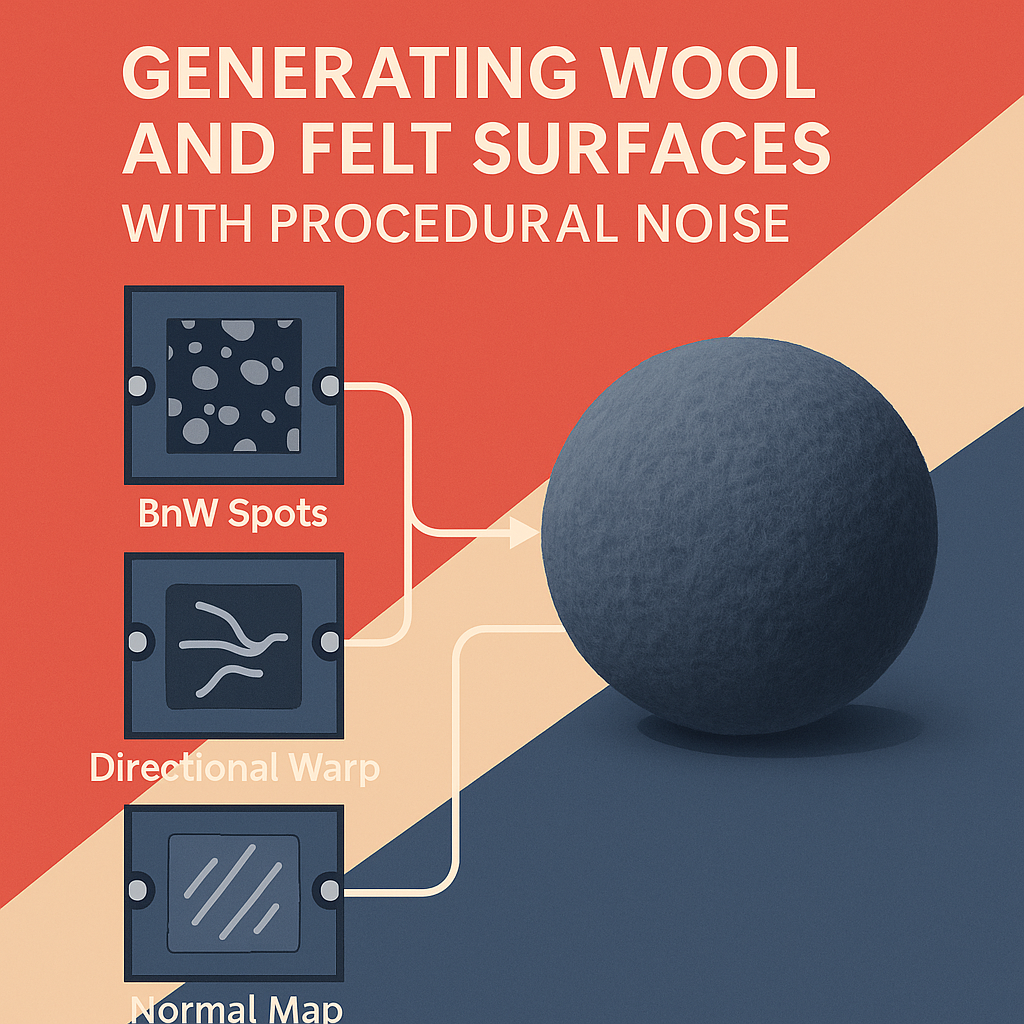
Step 1: Start with a Base Noise Foundation
Open a new Substance graph and begin by adding a “BnW Spots 2” or “Clouds 2” node as your base texture. These provide a random distribution of values that mimic the uneven density of natural fibers.
- Use a Histogram Scan node to tighten the contrast and isolate high-density regions.
- Blend two different noise types (for example, BnW Spots + Perlin Noise) to create the first stage of your wool fiber field.
💡 Tip: Keep your base noise resolution high (2K or 4K) to retain fiber detail when zoomed in.
Step 2: Simulate Fiber Direction
Real wool isn’t just random — it often shows subtle directionality.
Add a Directional Warp node and use a Perlin Noise map as the warp input.
- Set the Intensity around 5–15 depending on how fluffy or compressed you want the fibers.
- This gives your material a soft “brushed” look that reacts beautifully under directional light in Stager.
Step 3: Layer Soft Fibers Using Multi-Scale Blending
Next, layer your noise patterns to add depth and realism:
- Duplicate your base layer and blur it using a Directional Blur node.
- Blend the sharp and blurred layers using the Overlay or Soft Light blend mode.
- Subtly offset them to create the appearance of tangled fiber depth.
If you’re targeting a felt look, increase the blur amount and reduce contrast — felt appears more matted and less directional than wool.
Step 4: Create Height and Normal Information
Convert your composite noise output to height and normal data:
- Add a Normal Map node and set intensity between 5 and 15.
- Pass the same grayscale map through a Height to Normal converter for micro-surface definition.
- For felt, consider applying a Slight Gaussian Blur to soften the normal details.
Use the Height Blend node if you plan to mix multiple layers (e.g., worn edges or pattern overlays).
Step 5: Add Color Variation and Roughness
Create a Gradient Map node to colorize the wool or felt:
- For wool, use slightly varied tones of the same hue to simulate fiber irregularities.
- For felt, opt for uniform tones with just a hint of brightness variation.
Add a Roughness Map by inverting your base noise — wool is moderately rough (around 0.6–0.8), while felt can be even softer (0.8–0.9).
Step 6: Fine-Tune and Export
Preview your material using the 3D View with a cloth ball mesh and studio lighting.Tweak your normal intensity, roughness balance, and fiber contrast until it looks convincingly soft and fibrous.
When satisfied:
- Export your maps as Base Color, Roughness, Normal, and Height.
- Save the graph as an .sbsar material for easy reuse in Substance 3D Stager or Sampler.
Pro Tip: Combine with Microfiber Detail
To simulate premium wool products like merino or cashmere, add a Fine Noise layer using Gaussian Noise or Cells 2 and blend it softly with a low opacity. This adds a shimmering, tactile detail that responds well under HDRI lighting in Stager.
Conclusion
Procedural noise is the heart of creating believable organic fabrics in Substance 3D Designer. By blending noise at multiple scales, warping it directionally, and carefully tuning your normal and roughness maps, you can craft wool and felt materials that look both handcrafted and physically accurate — entirely from nodes.
Ready to bring your 3D fabrics to life? 🧶
Start building your own procedural materials with Adobe Substance 3D Designer — the ultimate tool for crafting realistic surfaces from scratch. Combine it with Substance 3D Stager for stunning renders and Substance 3D Sampler for texture experimentation.
 SurfaceMentor